

What You'll Learn
Search your own business name right now and you'll probably find at least one listing with the wrong phone number, an address from two moves ago, or hours that haven't been true since you stopped closing on Sundays. Most local business owners don't notice because they never look at their own listings from the outside. Customers do, constantly, and a mismatched listing is one of the quieter ways a business loses a sale before the phone ever rings.
This guide walks through how to find every place your business is listed online, lock down one exact version of your name, address, and phone number, fix your highest-traffic listings first, and build a habit so the work doesn't quietly drift out of date again in six months. None of it requires hiring an agency or buying listings software. It requires an afternoon to fix and about fifteen minutes a quarter to maintain.
Why This Matters for Your Business
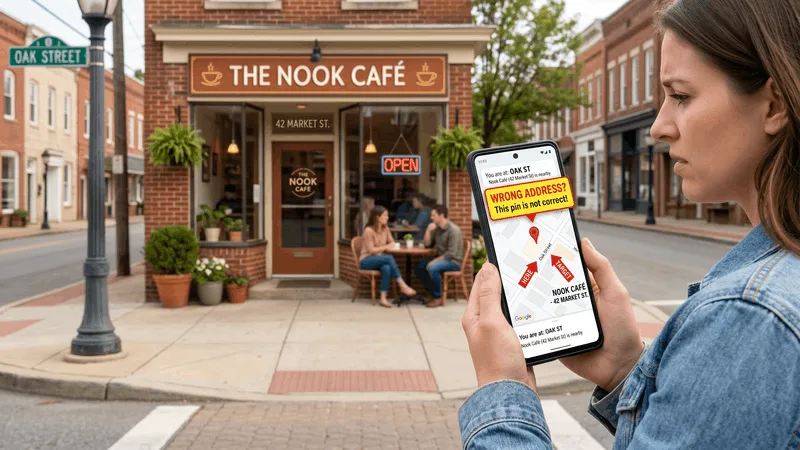
When someone searches for a plumber, a dentist, or a brunch spot, they rarely check just one source. They might tap a Google result, then check Yelp reviews, then glance at the address again in Apple Maps before driving over. If your hours say 9 to 5 on Google and 8 to 6 on Yelp, or your phone number on Facebook still rings a line you disconnected last year, the customer doesn't dig deeper to figure out which one is right. They move to the next result, because the next result looks more trustworthy by comparison.
BrightLocal's consumer trust research has tracked this for years, and the finding holds up survey after survey: most customers say they'd stop considering a business the moment they spot information online that turns out to be wrong. That's not a customer being picky. If your listing can't be trusted to get an address right, why would they trust you to get their roof, their root canal, or their order right?
It's also become more expensive to ignore now that AI-powered search and voice assistants answer local questions directly instead of just linking to a results page. When someone asks an AI assistant "is the hardware store on Main Street open right now," the assistant is pulling from whatever listing data it can find and trusts most. A business with consistent, complete information across the web feeds that answer correctly. A business with three conflicting versions of its hours either gets skipped or, worse, gets answered with the wrong information attached to your name.
This connects directly to your reviews, too. Most of those scattered listings, Google, Facebook, Yelp, and a dozen industry-specific directories, are also where your reviews live. A customer who can't trust your address is unlikely to trust your star rating either, even if it's a strong one. Fixing the basic facts about your business is what makes the reviews sitting next to them actually count for something.
Step 1: Find Every Place Your Business Is Listed Online
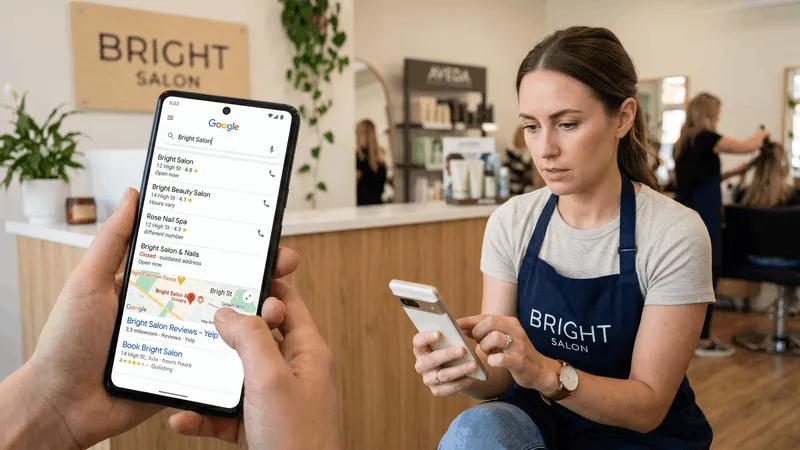
You can't fix what you haven't found. Start by searching your exact business name on Google, both with and without your city added, and write down every result that's actually about your business: your Google Business Profile, your Facebook Page, your Yelp listing, and any directory you don't remember signing up for.
That last category catches almost everyone off guard. Data aggregators and directory sites scrape public records, old paperwork, and other directories to auto-generate listings for businesses that never created an account. It's common to find your business on Bing Places, Apple Maps, Yellow Pages, MapQuest, Nextdoor, and an industry-specific directory like Angi, HomeAdvisor, Healthgrades, or OpenTable, depending on what you do, all without ever having logged in to claim a single one.
Search a few variations while you're at it: your business name alone, your business name plus your city, and your phone number by itself. The phone number search is the one that usually turns up the oldest, most forgotten listing, sometimes still under a previous business name at your address. Keep a simple running list, even just in a notes app, of every URL you find. You'll need it again in Step 3.
If your business has moved, rebranded, or changed phone numbers in the last few years, search the old version of each, too. Old listings rarely disappear on their own. They just sit there, undisturbed, quietly contradicting the current one.
Step 2: Lock Down One Exact Version of Your Name, Address, and Phone Number
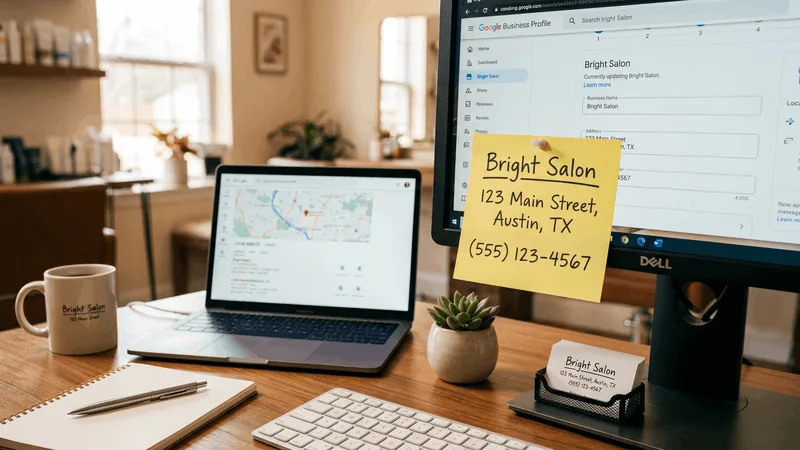
Before touching a single listing, decide on one exact, character-for-character version of three things: your business name, your address, and your phone number. This sounds almost too simple to matter, but it's the step that actually prevents the next round of mismatches.
Write it down somewhere you'll actually reference, not just in your head. Decide: is it "123 Main St" or "123 Main Street"? "Suite 4" or "#4"? Is your business "Maria's Salon" or "Maria's Salon & Spa"? Pick the version that matches your signage and your official paperwork, then commit to it everywhere. Mismatched formatting, not just wrong information, is part of what tells search engines and customers that a listing might not be reliable.
Use a phone number you actually answer, not a forwarding number tied to an old answering service or a tracking number from a marketing campaign that ended two years ago. If you use call tracking for ad campaigns, that's fine for the ad itself, but your primary listings should show the number that rings your actual front desk or cell phone, since that's the number customers will save and call again.
This is also the moment to settle anything that's genuinely ambiguous, like a business that operates out of a home office and shouldn't show a public address at all, or a business with two locations that needs two separate, individually accurate listings rather than one trying to cover both.
Step 3: Fix Your Highest-Traffic Listings First

You don't need to fix all dozen-plus listings in one sitting, and trying to do them all at once is usually why people quit halfway through. Work down your list from Step 1 in order of how many customers actually find you there.
For almost every local business, that order looks like: your Google Business Profile first, since it's the listing most customers see before anything else, then your Facebook Page, then Yelp, then Apple Maps and Bing Places, then any industry-specific directory that's relevant to what you do. A restaurant should add OpenTable or a reservation platform to that list. A contractor should add Angi or HomeAdvisor. A medical or dental practice should add Healthgrades or Zocdoc.
Claiming a listing usually means clicking "Own this business?" or "Claim this listing" and verifying through a postcard, phone call, or email, depending on the platform. Budget for the postcard route specifically: it's still the most common verification method for a Google Business Profile and can take five to fourteen days to arrive, so start there first even if you fix the faster ones in the meantime.
If you genuinely don't have the time to work through a long list of directories yourself, services exist that will sync and update your core details across dozens of them at once. That's a reasonable shortcut for a business with limited hours in the week. But the top four or five listings above are worth doing by hand regardless, because that's where the bulk of your customers are actually looking.
Step 4: Complete Every Field on Your Top Listings, Not Just the Required Ones

Matching your name, address, and phone number stops the bleeding. Filling out the rest of the listing is what actually turns a browser into a customer. A listing with just the bare minimum reads as half-abandoned, even if the contact details are perfectly correct.
On your top three or four listings, fill in: complete business hours including holidays, a description written in the words a customer would actually search ("emergency drain cleaning," not "comprehensive plumbing solutions"), your website link, the services or products you offer, payment methods you accept, and at least a handful of current photos. A blank "Services" tab and an empty photo gallery tell a customer the same thing a wrong phone number does: nobody's been back here in a while.
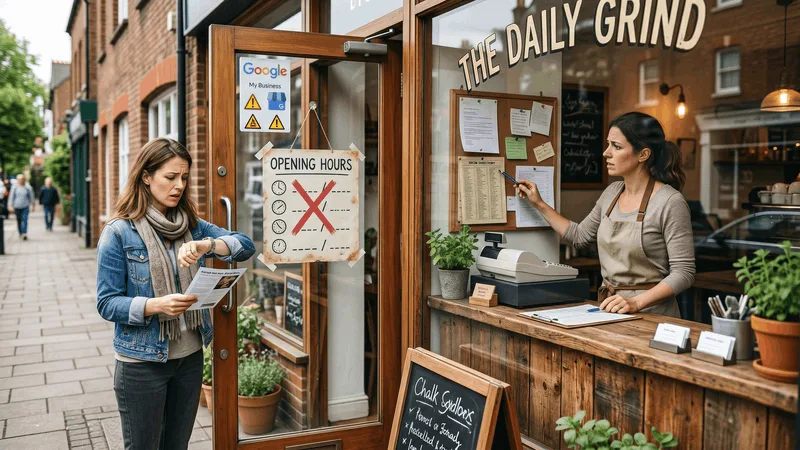
Pay particular attention to hours, since they're both the field most likely to drift out of date and the one most likely to actively send someone to a closed door. Holiday hours especially: most platforms will prompt you to confirm them ahead of major holidays, and skipping that prompt is how a business ends up with a customer standing outside a locked storefront on a Saturday it's actually closed.
| Field | Get This Right |
|---|---|
| Name, address, phone | Identical formatting everywhere, the version you locked down in Step 2 |
| Hours | Regular hours and holiday hours, checked quarterly |
| Description | Plain language customers actually search, not marketing copy |
| Photos | A handful of current, real photos, not stock images |
Step 5: Build a Recurring Listings Check Into Your Calendar
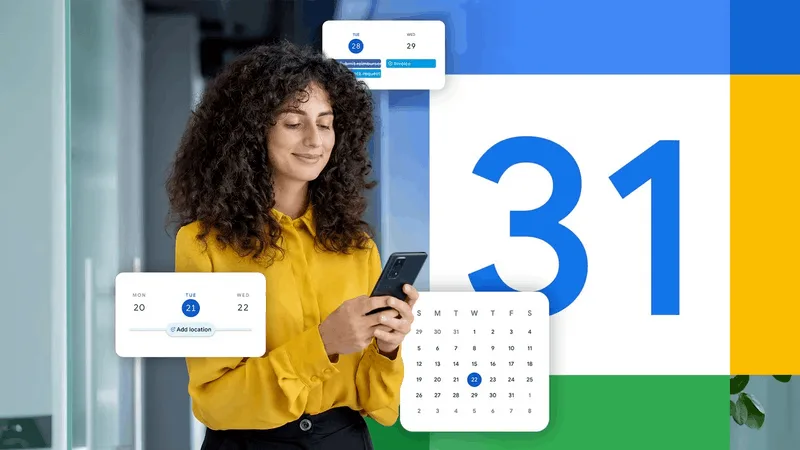
Listings don't go stale all at once. They drift, one small change at a time: a new phone system, a holiday schedule that changes, a menu item that gets discontinued. Six months after the cleanup above, it's easy to assume everything is still accurate simply because you fixed it once.
Set a recurring reminder, once a quarter is usually enough, to revisit your top four or five listings and check that hours, contact details, and photos still match reality. Tie it to something you already do, like the start of a new season or a slow Monday morning, so it doesn't depend on remembering an arbitrary date. Fifteen minutes is usually enough once the heavy lifting from Steps 1 through 4 is done.
Anytime something changes in your actual business, a new address, a new number, new hours, add "update my listings" to that same checklist as a habit, the same way you'd update your sign out front. The businesses with the cleanest listings aren't the ones with more time. They're the ones who treat this as routine maintenance instead of a project they finished once.
Common Mistakes to Avoid
A few habits quietly undo the work above:
- Fixing only your Google profile and stopping there. Customers cross-reference multiple sources before they call. A clean Google listing next to a wrong Yelp address still costs you the sale.
- Using different name formatting across platforms. "Maria's Salon" on one site and "Marias Salon & Spa LLC" on another reads as two different businesses to both customers and search engines.
- Forgetting old listings under a previous address or name. They don't disappear when you move. They sit there contradicting the current one until someone claims and corrects them.
- Leaving a forwarding or tracking number as your main listed phone. If that line ever gets disconnected or reassigned, every listing pointing to it goes stale at once.
- Treating the cleanup as a one-time project. A listing is a living page, not a form you fill out once. The fix only holds if something brings you back to check it.
- Ignoring the reviews sitting on those same listings. A customer who finds accurate hours and a stack of unanswered reviews from a year ago still hesitates. Accuracy and an active reputation work together, not separately.
That last point is where listings and reviews overlap in practice. Most of the places you're cleaning up, Google, Facebook, and Yelp especially, are also the places your reviews accumulate. Clienzo's review dashboard pulls all three into one place so you can see new reviews and reply to them without checking three separate apps, which makes it a lot easier to keep the reputation side current once the listing side is fixed.